
TL;DR: What you need to know in 30 seconds
- Search “site:yourdomain.com” first. Results mean you are indexed, so the issue is rankings, not indexing.
- No results usually point to a noindex tag, a robots.txt block or a site Google hasn’t crawled yet.
- If your website shows but your map listing doesn’t, that’s a Google Business Profile problem.
- New sites need time. Google asks you to allow at least a week after you submit a page.
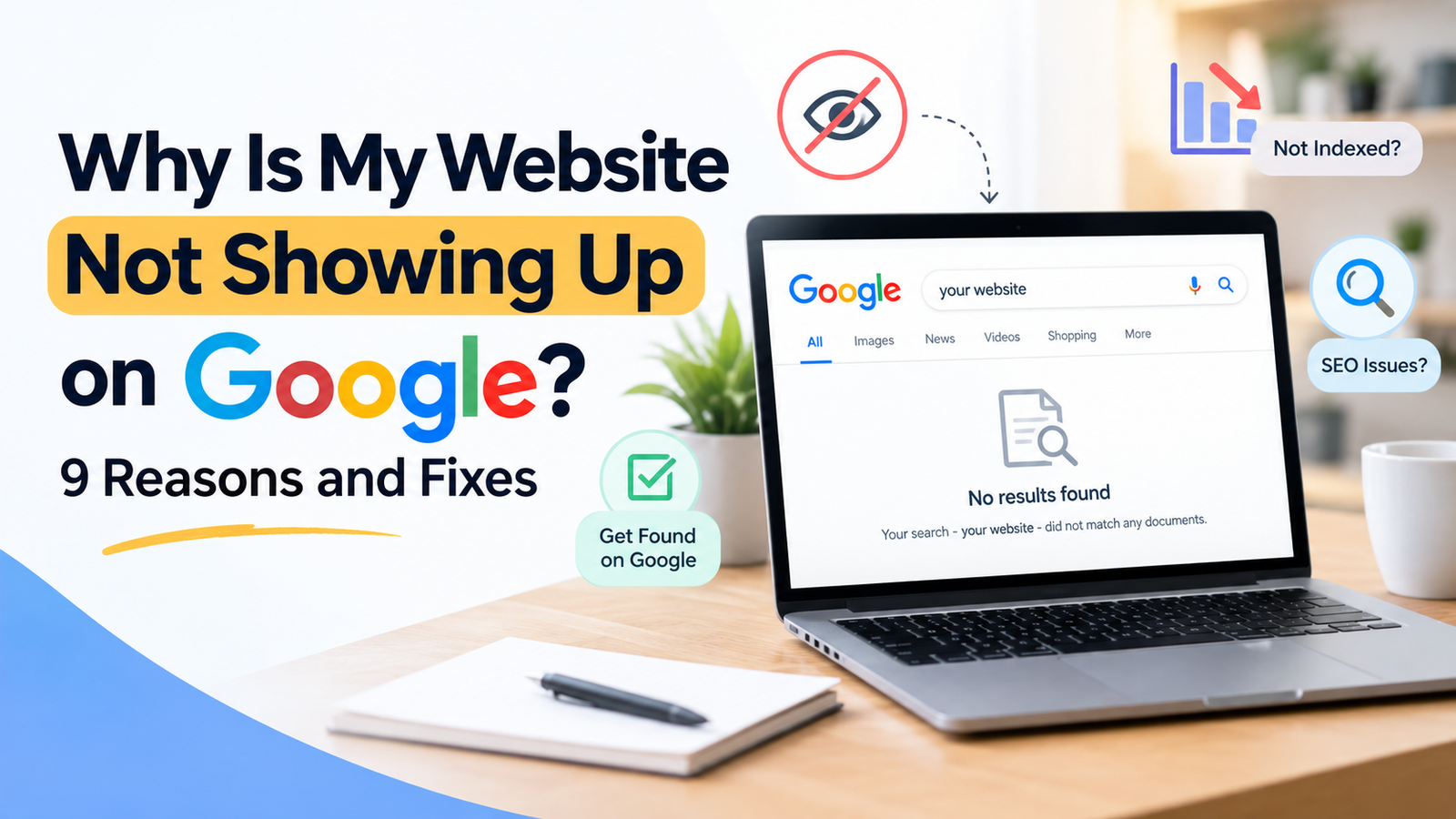
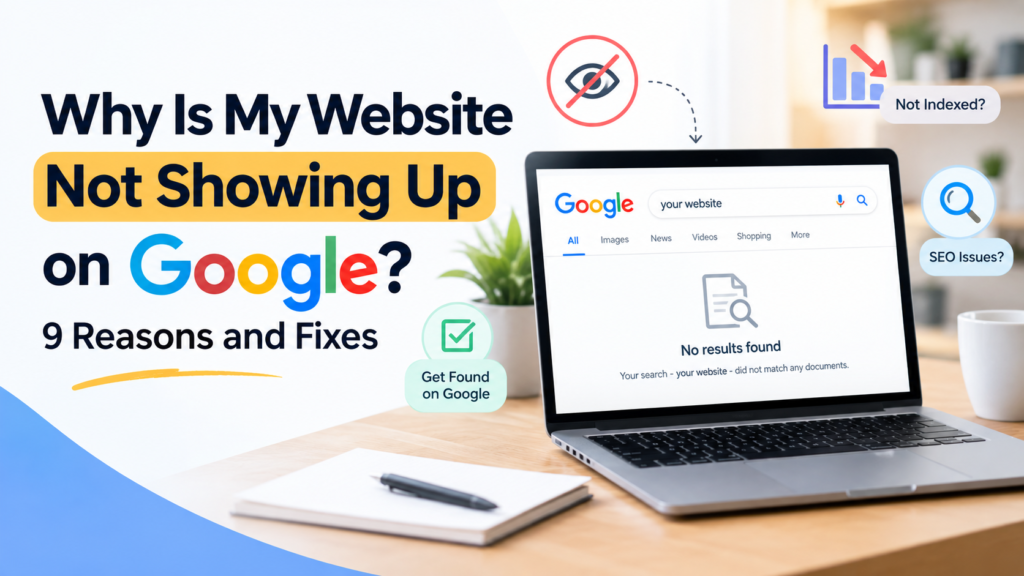
You typed your business name into Google, found nothing, and now you’re wondering why your website is not showing up on Google at all. A website not showing up on Google search feels like a disaster, but the cause is usually one of nine things.
We’ve run SEO campaigns for California businesses since 2011, and most cases where a website is not appearing in Google search results get solved in an afternoon. The trick is checking in the right order instead of guessing.
Start With This 10-Minute Check
Run these three checks before you change anything on your site.
- Search site:yourdomain.com in Google. If pages come back, Google has indexed your site and this is a ranking problem. If nothing comes back, it’s an indexing problem.
- Open Google Search Console and inspect a URL. Google’s URL Inspection tool tells you whether a page is indexed and what’s blocking it.
- Search your business name plus your city. If the website shows but the map listing doesn’t, the problem sits in your Google Business Profile, not your website.
| What you see | Likely cause | Where to check |
| No results for site: search | Not indexed | Search Console, robots.txt |
| Indexed but no traffic | Ranking too low | Keyword and content review |
| Website shows, map listing missing | Profile not verified | Google Business Profile |
Why Is My Website Not Showing Up on Google? 9 Reasons
1. Your Site Is Too New
Google has to find a page before it can rank it. On a brand new domain that can take days or weeks.
Submit your XML sitemap in Search Console and request indexing for your key pages. Google says to allow at least a week after you submit before you worry.
2. A Noindex Tag Is Still on Your Pages
This is the most common cause we see after a website launch. Developers add a noindex tag on the staging site and forget to remove it on launch day.
Google is blunt about what the tag does: it will drop that page entirely from search results, no matter who links to it. In WordPress, check Settings, then Reading, and make sure “Discourage search engines” is unchecked.
3. Your Robots.txt Blocks Googlebot
Open yourdomain.com/robots.txt and look for “Disallow: /”. That one line tells Googlebot to skip your whole site.
Google also warns that a page blocked in robots.txt can still appear in results, because the crawler never sees your noindex rule. Use one or the other, not both. Our technical SEO checks start here for exactly this reason.
4. You’re Indexed, but Ranking on Page 5
Plenty of owners think they’re invisible when they’re just not on page one. If the site: search returned pages, you have a ranking problem, and that’s a different fix.
Search your actual service and city, like “emergency plumber Pasadena,” and check where you land. Competitive head terms take months. Specific service and city pages come first.
5. Your Pages Are Thin or Duplicated
A 150-word page about a service Google already has 500 better pages for rarely earns a spot. The same goes for city pages where only the city name changes.
Write pages that answer real customer questions, with prices, timelines and local details. Our content marketing team builds city pages around what each market actually searches.
6. Nobody Links to You or Mentions You
Links and brand mentions are how Google judges whether your business is real and established. A new site with zero mentions has nothing to go on.
Get listed in local directories, chambers of commerce and industry associations. Ask suppliers and partners to link to you. This is slow, steady work, and it decides most competitive rankings.
7. A Redesign or Migration Broke Something
Rankings that disappear overnight usually trace back to a change. New site, new domain, moved URLs, or an HTTPS switch without redirects.
Check that every old URL redirects to its new match with a 301. Compare your indexed page count in Search Console before and after the change. A full crawl and indexing audit finds the gaps fast.
8. Your Site Was Hacked or Penalized
Open the Manual Actions and Security Issues reports in Search Console. Both are usually empty, and both explain a sudden drop when they aren’t.
Hacked sites often show spam pages in a site: search that you never created. Clean the site, then file a reconsideration request.
9. It’s Your Google Business Profile, Not Your Website
If your website ranks fine but you’re missing from the map pack, your website isn’t the problem. Local SEO runs on a separate system, and the next section covers it.
Not sure which one is your problem? Our free 47-point SEO audit checks indexing, technical health and your ranking gaps. You get it in 12 hours, with no commitment.
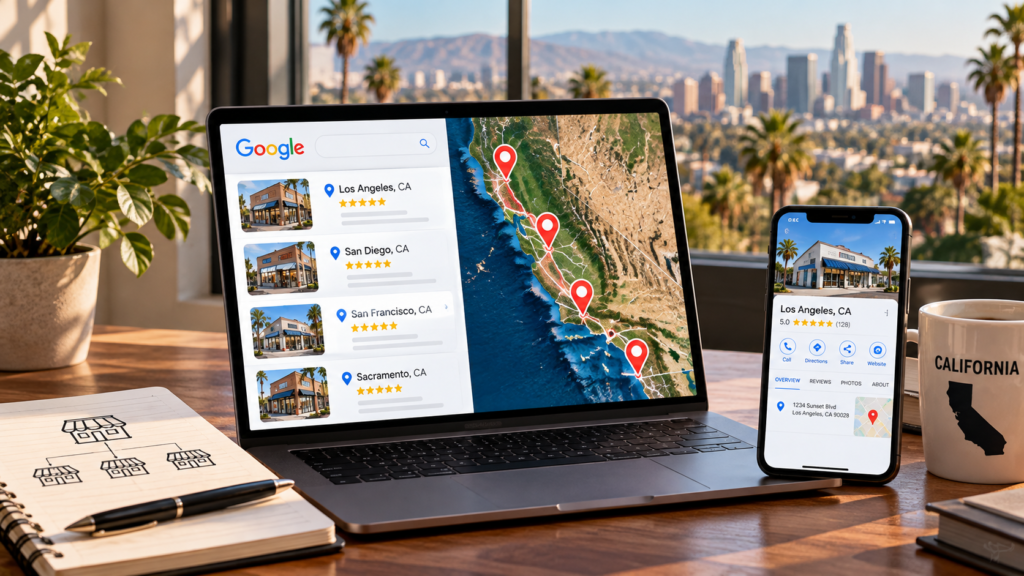
Why Is My Business Not Showing Up on Google Maps?
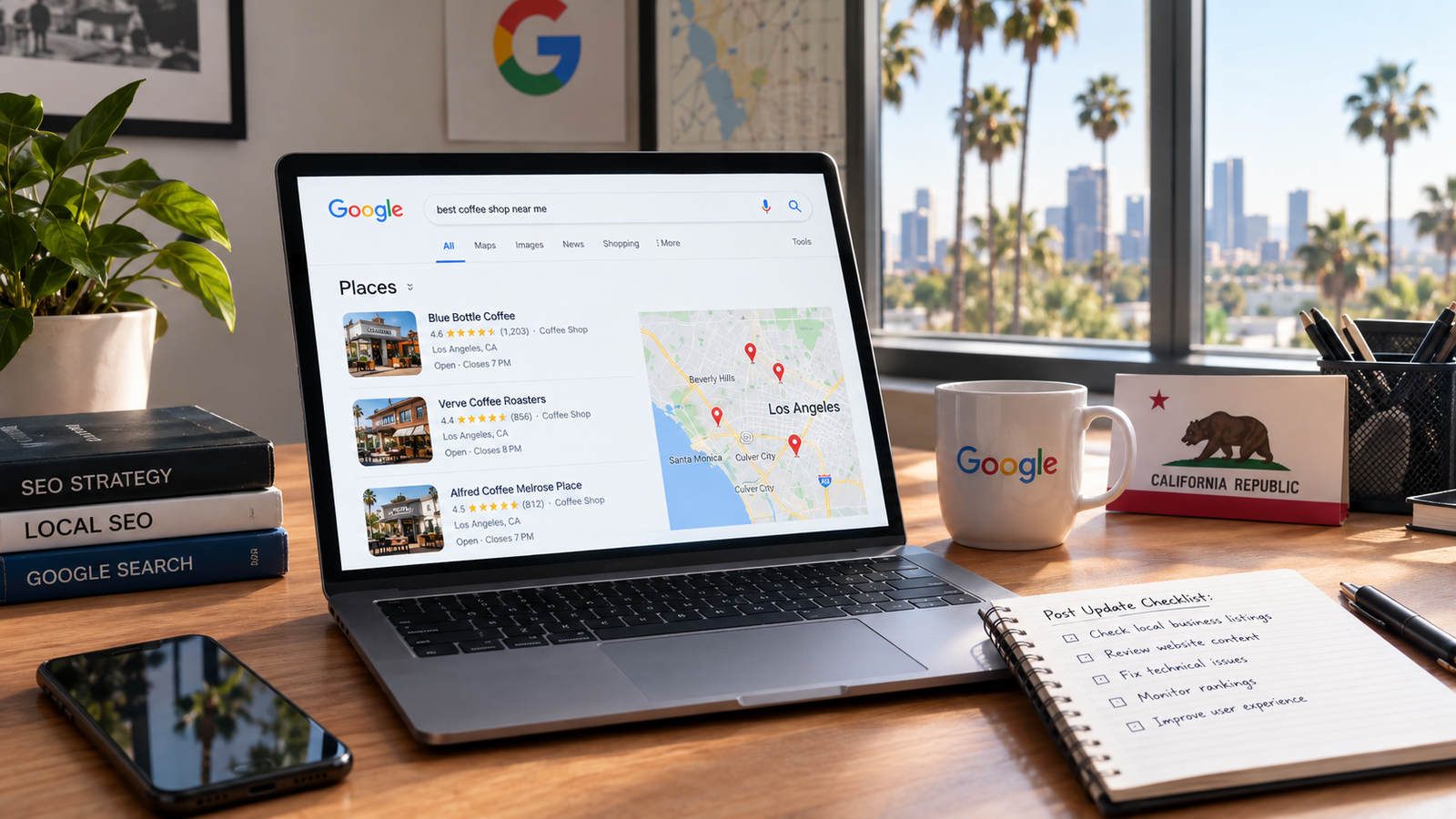
Map results follow relevance, distance and prominence, not your website rankings. These four issues cause most missing listings.
- Not verified: Google says verification reviews take up to 5 business days, and an unverified profile stays invisible.
- Details don’t match: your name, address and phone have to be identical on your site, your profile and directories.
- Wrong category: pick the most specific primary category. “Personal injury attorney” beats “lawyer.”
- Too few reviews: Google confirms that more reviews and positive ratings can help your local ranking.
Distance matters too. You won’t show up for someone searching 20 miles away in a crowded city. Our local SEO work targets the neighborhoods you can actually win.
How Long Does It Take to Show Up on Google?
Indexing is fast once the blocks are gone. Pages often appear within days of a successful indexing request.
Rankings take longer. On local campaigns we usually see early map pack movement around 60 to 90 days, with steady lead growth between months four and six. Our local SEO guide for small businesses breaks down that timeline.
Where Should You Start?
Run the site: search first. It splits every case into two paths: fix indexing, or fix rankings. Guessing between them wastes weeks.
Clear any noindex tag or robots.txt block, submit your sitemap, then check your Google Business Profile. That is how to get your website to show up on Google in most cases, and everything after it is ordinary SEO work.
Want to know exactly why your site is invisible? SEOCALI is a California-only SEO team that has helped 250+ businesses since 2011. Request your free SEO audit and get a clear plan within 12 hours, with no lock-in contract.
Frequently Asked Questions
How do I check if my website is indexed by Google?
Search site:yourdomain.com in Google. The results are the pages Google holds in its index, so an empty result means nothing from your site is indexed.
For a single page, paste the URL into the URL Inspection tool in Google Search Console. It reports whether that page is indexed, what is blocking it, and it lets you request indexing.
Why is my website indexed but still not showing up on Google?
Indexed means Google knows your page exists. It does not mean your page ranks on page one. Search your exact service and city rather than a broad keyword, and check your position. If you rank on page three or lower, you need better content, stronger pages and more authority, not an indexing fix.
How long does it take for a new website to show up on Google?
Google asks you to allow at least a week after submitting a sitemap or an indexing request. In practice, pages on a clean site often appear within a few days. Ranking for competitive terms is slower and usually takes months. Submitting a request never guarantees indexing, so fix any blocks first.
Why did my website suddenly disappear from Google?
A sudden drop almost always follows a change. Look at anything that happened in the days before: a redesign, a domain move, an HTTPS switch, a plugin update or a developer handover. Check Search Console for manual actions and security issues, then confirm your pages still return a 200 status and carry no noindex tag.
How do I fix “Crawled, currently not indexed” in Search Console?
That status means Google saw the page and chose not to index it, usually because the page is thin, duplicated or low value.
Improve the content, add internal links from pages Googlebot already crawls, and make sure the page sits in your sitemap. Then request indexing again. Some pages still get skipped, and that is normal.
Why does my website only show up when I search its name?
Branded searches are easy because nothing else matches your name. Service keywords put you against established competitors. This gap means your site is indexed but has not earned authority for commercial terms yet, so it needs stronger service pages, local content, links and reviews.
Can a WordPress setting hide my site from Google?
Yes. WordPress has a checkbox under Settings, then Reading, labeled “Discourage search engines from indexing this site.” It adds a noindex tag across your whole website.
Developers often tick it during a build and forget it, so check it first when a new site refuses to get indexed. It costs nothing to rule out.
Do I need an SEO agency to fix this?
Not always. Anyone can check robots.txt, clear a noindex tag and submit a sitemap in an afternoon.
Bring in help when the cause is not obvious, when a migration broke your rankings, or when you are indexed but never rank. That last one is a strategy problem, and it needs technical SEO and content work together.
Should I also worry about AI search?
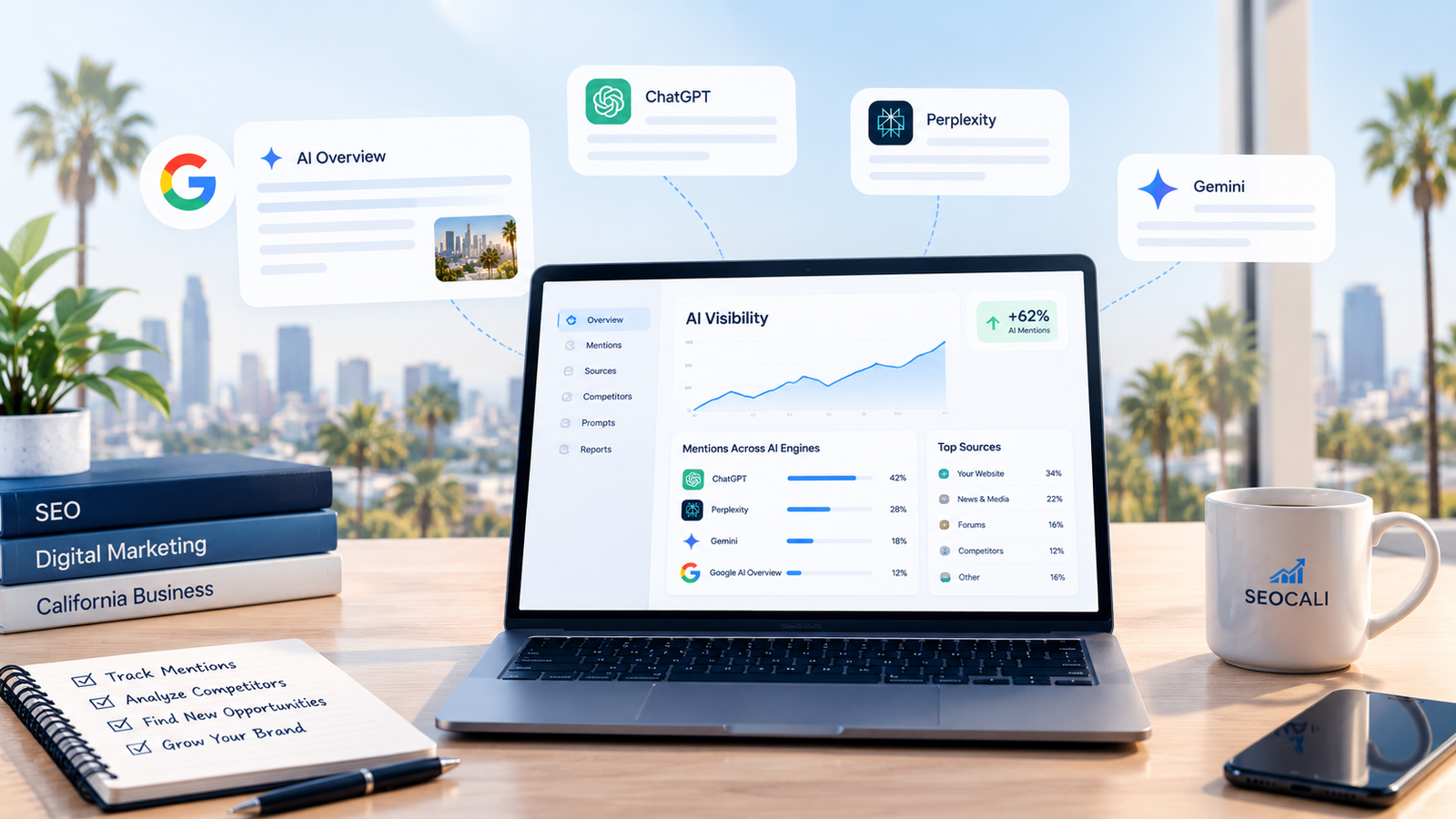
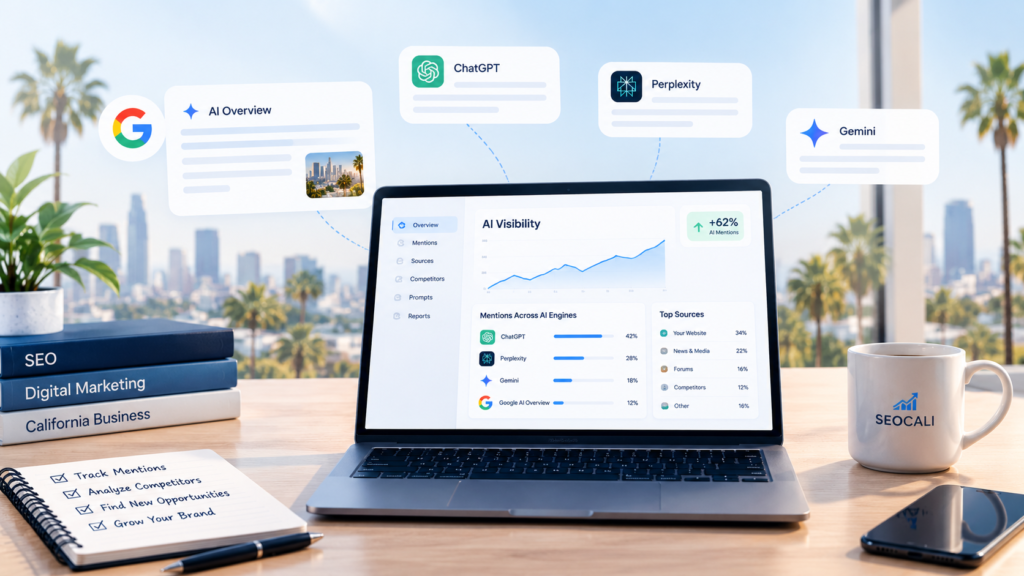
The fixes overlap. AI tools like ChatGPT and Google AI Overviews rely on pages that search engines can crawl and index, so an invisible website is invisible to them too. Sort out indexing first, then work on the trust signals AI tools favor. Our guide on Google AI Overviews for California businesses covers that next step.
How much does it cost to fix indexing problems?
Many fixes are free and take an hour. A one-time technical SEO audit and cleanup usually costs a few hundred dollars through an agency. Ongoing local SEO for California small businesses typically runs $800 to $3,000 a month, and that covers content, links and profile work, not just the indexing fix.