
30-Second Summary
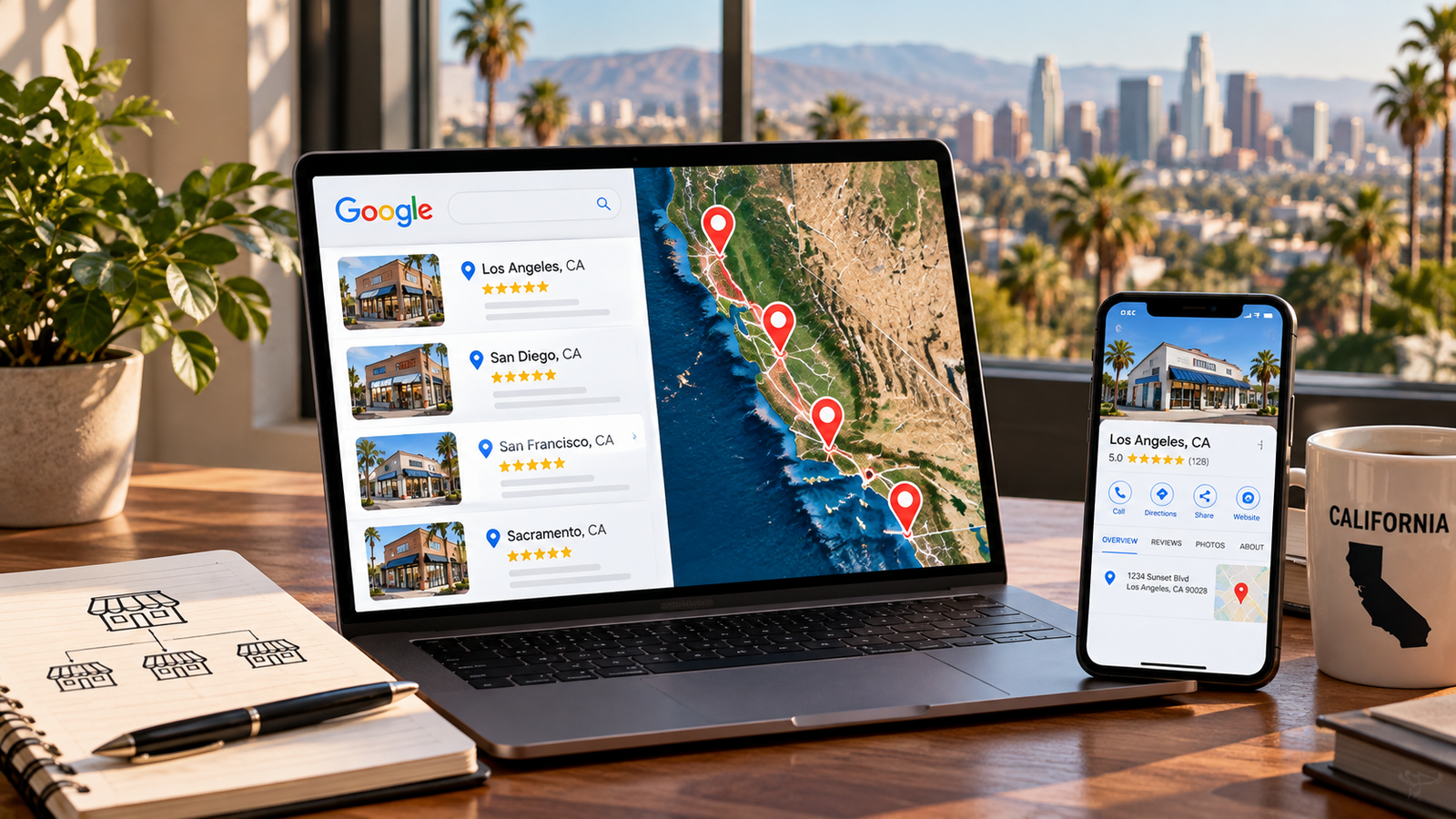
- A multi location SEO strategy gives every real branch its own Google Business Profile, its own useful page, and its own reporting.
- Only locations customers can visit, or that send staff to customers, qualify for a profile. Google says to create one for your “actual, real-world location.”
- Chains with 10 or more profiles from one business can verify in bulk, but service area businesses cannot.
- Location pages need details only that branch has. Pages that swap the city name risk doorway abuse under Google’s spam policies.
- In California, nearby branches can compete with each other, so differentiate by services, staff, and neighborhood detail.
Eight offices, eight profiles, and one website that treats them all the same. That is how most multi location rankings stall. Each branch competes in its own neighborhood, so each one needs its own proof that it really is there.
We are a California local SEO agency. We would build fewer pages than you think, and make each one earn its place. This guide does not apply to a single office, and it does not use client results because none are published here.
What Is a Multi Location SEO Strategy?
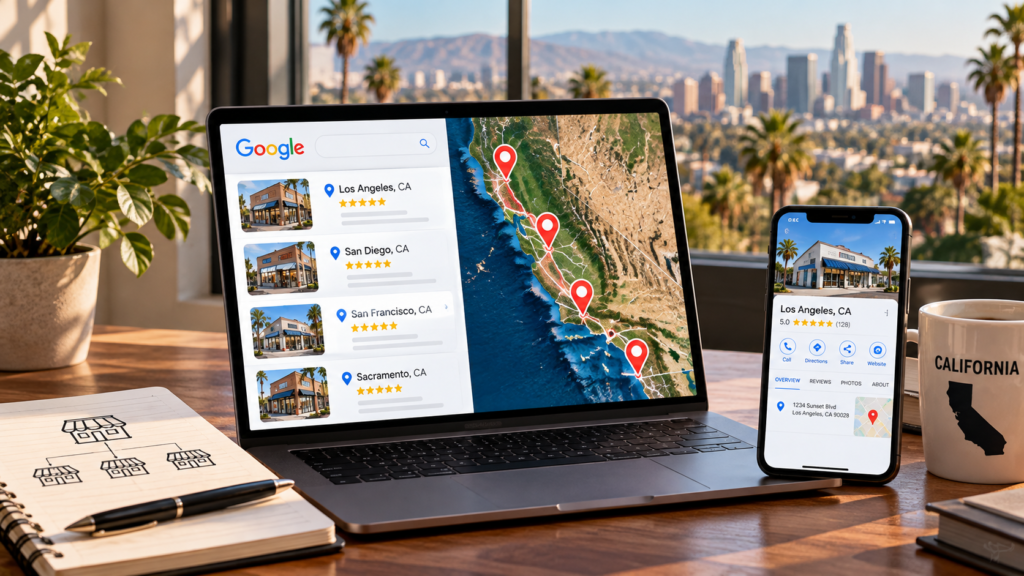
A multi location SEO strategy is a repeatable plan for making every physical branch of a business rank in its own local market. It pairs one Google Business Profile with one useful page per location, then adds consistent listings, location level reviews, and reporting by location.
Think of a shopping mall directory. The mall has one name, but shoppers walk to the store nearest them. Google works the same way, matching each searcher to the closest, most relevant, best known storefront.
Local SEO for multiple locations works best as one system, not a pile of separate campaigns. It is also different from ranking one business in many cities. That second job is service area SEO, and our California local SEO city guide covers it.
Does Every Location Deserve Its Own Profile and Page?
Only locations that customers can visit, or that dispatch staff to customers, qualify for a Business Profile. Google tells owners to create a profile for their actual, real-world location and not to make more than one page per location. Use that rule to decide what gets a profile and a page.
| Situation | Google Business Profile | Website page |
| Staffed office customers can visit | One profile for that location | One location page |
| Several offices, each with its own staff | One profile per location | One page per location |
| Service area business with no storefront | One service area profile for the central office, address hidden | Service pages, plus city pages only with real content |
| Rented mailbox or virtual office where nobody works | Not eligible | No page claiming a branch |
| Doctor, lawyer, or agent at a shared office | Practitioner profile only if reachable there during stated hours | Bio page linked to the location page |
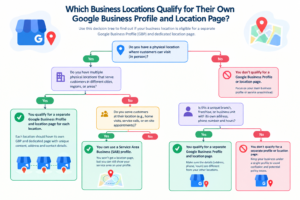
Google also says service areas generally should not stretch beyond about two hours of driving time. If a city fails the table, skip the profile. A page can still exist for it, but only if you can say something true and useful about serving that city.
Google Business Profile Multiple Locations: Setup Rules Google Publishes
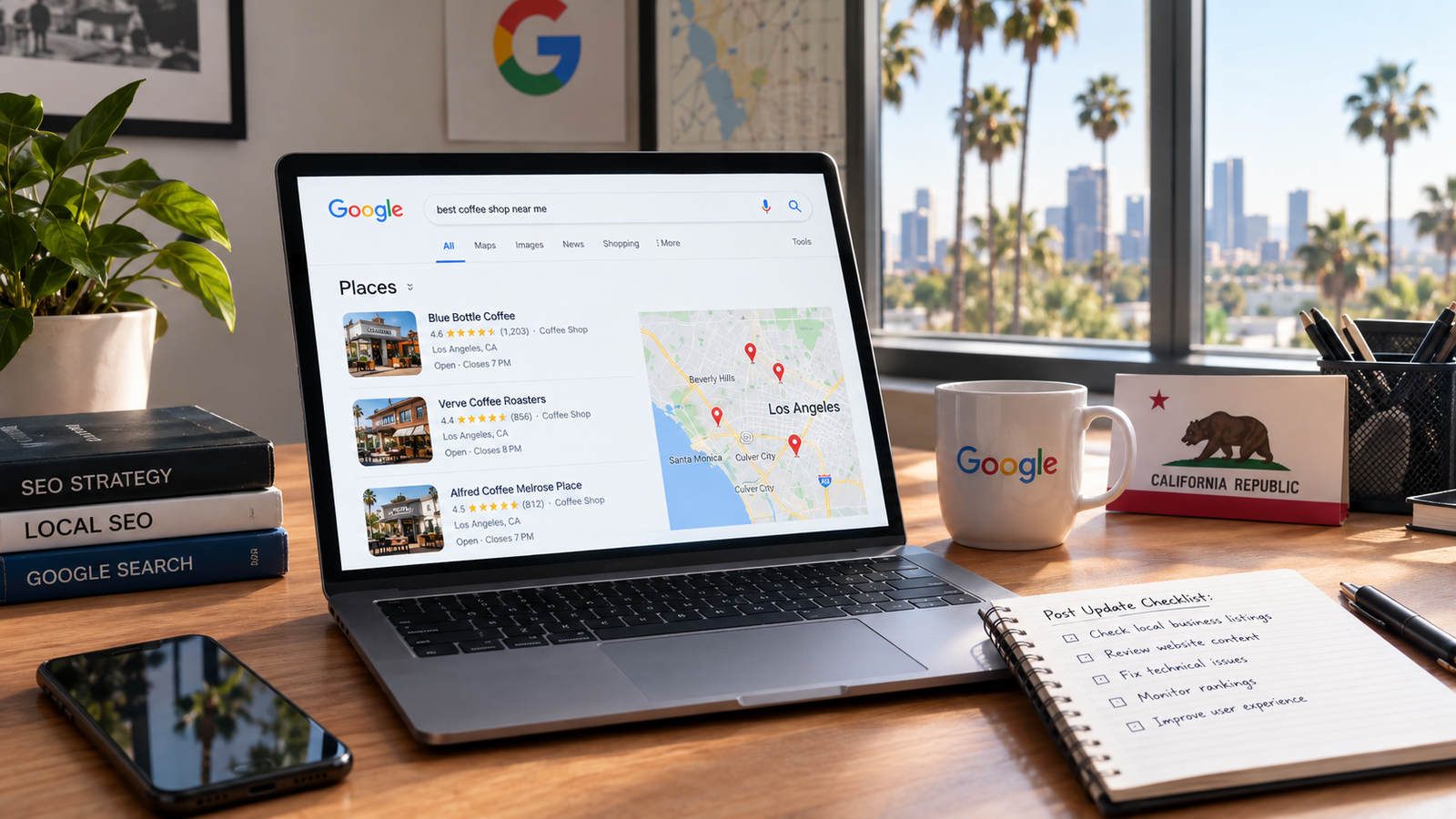
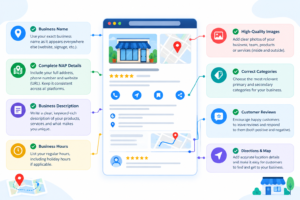
Each location gets exactly one profile, and each profile should match the real storefront, hours, and category. Google says local results rely mainly on relevance, distance, and prominence, and it states there is no way to request or pay for a better local ranking. A profile cannot claim a neighborhood it does not sit in.
Use this checklist for every profile:
- Pick a specific primary category that matches what the branch actually offers.
- Keep name, address, and phone (NAP) accurate and identical on the location page and in directory listings (citations).
- Link each profile to its own location page, not the homepage. This one is our rule, not Google’s.
- Reply to reviews at every branch, since reviews feed prominence.
- Never create a second profile for the same location.
Chains with 10 or more profiles can use bulk verification. Google requires the spreadsheet to hold 10 or more profiles from the same business, and the business cannot be a service area business. Agencies managing several businesses in one account cannot use it.
Our Google Business Profile optimization service starts with this audit, because every later step depends on it.
Location Pages SEO: What Belongs on Each Page?
A location page is a page for one physical location, written for the people who live and work near it. Location pages SEO starts with details only that branch has: address, hours, services, staff, and local reviews. If you swap the city name and the page still reads fine, it is not doing its job.
A strong page usually includes:
- Name, address, phone, hours, and a map
- Services and products actually offered at that branch
- Local reviews or testimonials
- Staff names and photos where relevant
- Directions, parking, transit, and accessibility details
- Original photos of the location
- Links to nearby locations and related service pages
- One clear next step, such as call, book, or get directions
Not every page needs every item, and a dental office page will look different from a storage facility page. Google publishes no minimum share of unique content. One widely cited industry guide suggests aiming for more than half of each page to be unique, which is a sensible rule of thumb and not a Google rule.
Don’t use location pages as a net for city names. As of its August 28, 2026 update, Google’s spam policies list doorway abuse, and one example is pages targeted at specific regions or cities that funnel users to one page.
A real branch with a real address and its own page is not that. A city page for a place you do not serve is the risk.
How Should You Structure a Multi Location Site?
Use one website with a locations hub that links to every branch page. A clean path such as /locations/california/irvine/ tells people and crawlers where each page sits. Then mark up each branch as its own LocalBusiness entity.
Google’s LocalBusiness structured data guidance says to mark up each location separately, and it lists name and address as required for rich result eligibility. Use the most specific business type available, and add hours and phone numbers where they apply.
Here is the structure we would use:
- Locations hub: one page linking to every branch, reachable from the main menu.
- Region pages: only when you have enough branches to need them, such as Northern and Southern California.
- Location pages: one per qualifying branch, with the checklist above.
- Service pages: linked from each location page so branches share one set of services.
Give every location page a plain, crawlable link, and add a separate XML sitemap for them if you run many branches. Our technical SEO checklist covers crawl and indexing basics.
How to Rank Multiple Locations on Google: 7 Steps
Start by deciding which locations qualify, then fix each profile, build each page, align listings, collect reviews per branch, earn local links, and report by location. Do the steps in this order, because each one depends on the one before it.
- Audit your locations. List every address, who works there, and whether customers visit. Use the eligibility table above.
- Fix every Google Business Profile. One per location, with accurate details and a specific primary category.
- Build one useful page per location. Use the checklist above and keep generic copy to a minimum.
- Make details match everywhere. Keep the same NAP on your site, your profiles, and major directories (citations).
- Earn reviews for each branch. Ask at the location where the service happened, then reply to every review.
- Earn links near each branch. Local partners, chambers of commerce, and community groups should link to that branch’s page, not the homepage.
- Report by location. Track calls, direction requests, and rankings from set points around each branch.
Rank checks from one spot near your office do not show citywide visibility. Tag each profile link with UTM parameters so GA4 can separate traffic by branch. Our local SEO service builds this reporting into every plan.
SEO for Multiple Locations in California: What Changes?
California’s metro areas run into each other, so branches can compete with each other as much as with rivals. A search standing between two offices can surface either one. Differentiate by services, staff, and neighborhood detail, not by city name.
Picture a law firm with offices in Anaheim and Santa Ana. The two sit close enough to serve overlapping searchers. If both pages say the same thing, Google has no reason to prefer one, and neither wins the local pack. Give each page its own attorneys, practice focus, and client reviews.
Distance still sets the ceiling. Adding a city name cannot move a branch closer to a searcher, which is why a branch in Sacramento will not win the local pack in Fresno. Our Google Maps ranking guide explains how relevance, distance, and prominence play out across California markets.
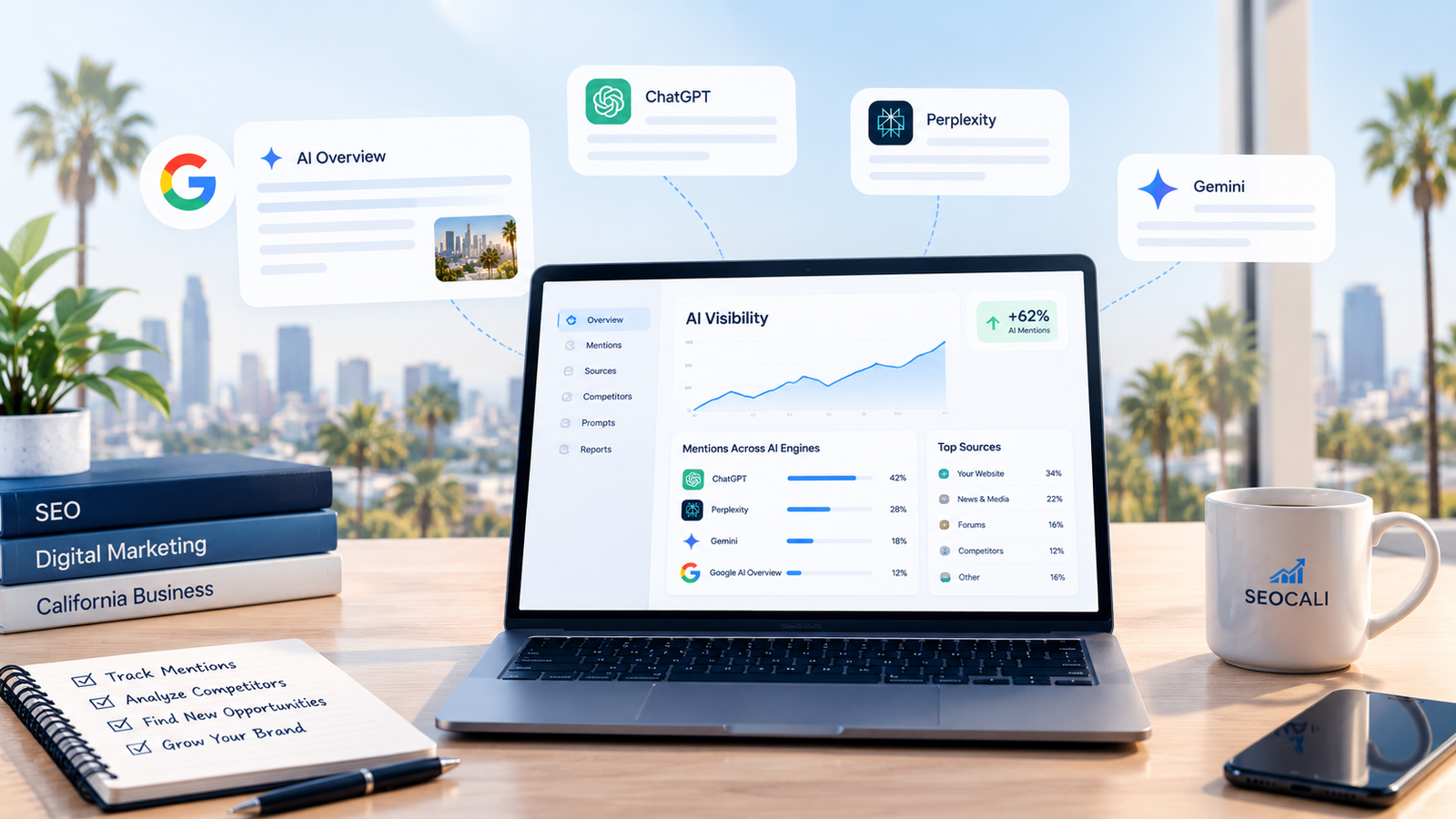
The same basics, consistent business facts and real reviews, also feed AI answers. We cover that in our guide to brand visibility in AI search.
Dental groups, law firms, and real estate teams are the usual multi location cases, and our pages on dentist SEO and law firm SEO show how those niches apply the same rules.
Which Multi Location SEO Strategy Mistakes Hold Rankings Back?
Most multi location problems come from copying one setup across every branch. These are the ones we would fix first.
- Profiles for cities with no real office. Google says a virtual office where nobody works is not eligible.
- One page cloned with the city name swapped. This is the doorway abuse pattern.
- Every profile pointing to the homepage. Branches lose the signal that ties them to a local page.
- Hours and phone numbers drifting between site and profile. Customers notice before Google does.
- Several profiles for one practitioner’s specialties. Google says a practitioner should not create multiple profiles for different specializations.
- Judging results from a single rank check. Use several points around each branch.
Frequently Asked Questions
What is a multi location SEO strategy?
A multi location SEO strategy is a plan for ranking each physical branch of a business in its own local market. It gives every qualifying location its own Google Business Profile and location page, keeps business details consistent across listings, collects reviews per branch, and reports results by location instead of sitewide.
Does every location need its own Google Business Profile?
Every location that customers can visit, or that sends staff to customers, can have one profile. Google says to create a profile for your real-world location and not to make more than one page for each location. Virtual offices and mailboxes where nobody works are not eligible, so do not create profiles for them.
Do you need a separate page for every location?
You need one useful page for every real branch, not for every city you would like to reach. Each page should carry details only that branch has, such as staff, hours, services, and local reviews. If you cannot write something true and specific about a place, it probably does not deserve a page.
Can one page rank for several locations?
Rarely. Google ranks local results by relevance, distance, and prominence, and distance is measured from the searcher, so a single page cannot sit close to every city. Use one page per real location, and add service area content only where you can say something specific and useful. That is why branch pages work better than city pages.
When can you bulk verify Google Business Profiles?
Google offers bulk verification when your spreadsheet holds 10 or more profiles from the same business. The business cannot be a service area business, and agencies managing several businesses in one account cannot use it. Smaller groups should verify each profile individually through Business Profile Manager. Google may de-verify accounts that stop actively managing their profiles.
How do you avoid duplicate content across location pages?
Make most of each page unique to the branch. Use staff names, local services, real reviews, original photos, parking and transit details, and answers to questions customers actually ask at that location. Reusing a template for layout is fine, but swapping only the city name and address is the pattern to avoid.
Should each location have its own website?
We recommend one website for most businesses, because links, reviews, and brand signals stay together. Google has not published a ruling on subdomains versus subfolders for this, so that is our judgment, not a Google rule. Separate sites only make sense when branches operate as truly distinct brands. Whichever you choose, keep one profile per location.
How do you track rankings for multiple locations?
Track each branch from set points around its address, since a result near your office does not show citywide visibility. Add calls and direction requests from each Business Profile, and tag profile links with UTM parameters so GA4 can separate website visits by branch. Review every location in one dashboard.
Bottom Line: Build the System, Not More Pages
Cheat sheet
| Step | What to do | You are done when |
| Audit | List every address and check eligibility | Each location is marked profile, page, or neither |
| Profiles | One accurate profile per qualifying location | No duplicates, no virtual offices |
| Pages | One useful page per branch | Swapping the city name breaks the page |
| Structure | Hub, region pages if needed, branch pages | Every page is crawlable and marked up |
| Reporting | Rankings, calls, and directions by location | One dashboard shows every branch |
A good multi location SEO strategy is mostly discipline. Decide which branches qualify, tell the truth about each one, and measure them separately.
It is not a promise of rankings, and Google says nobody can buy them. What you can control is whether every location gives Google and customers clear, accurate reasons to choose it.
Want a second opinion on your locations? Ask us for a free SEO audit and we will check profile eligibility, page quality, and consistency across every branch, or contact our team with questions about your setup.