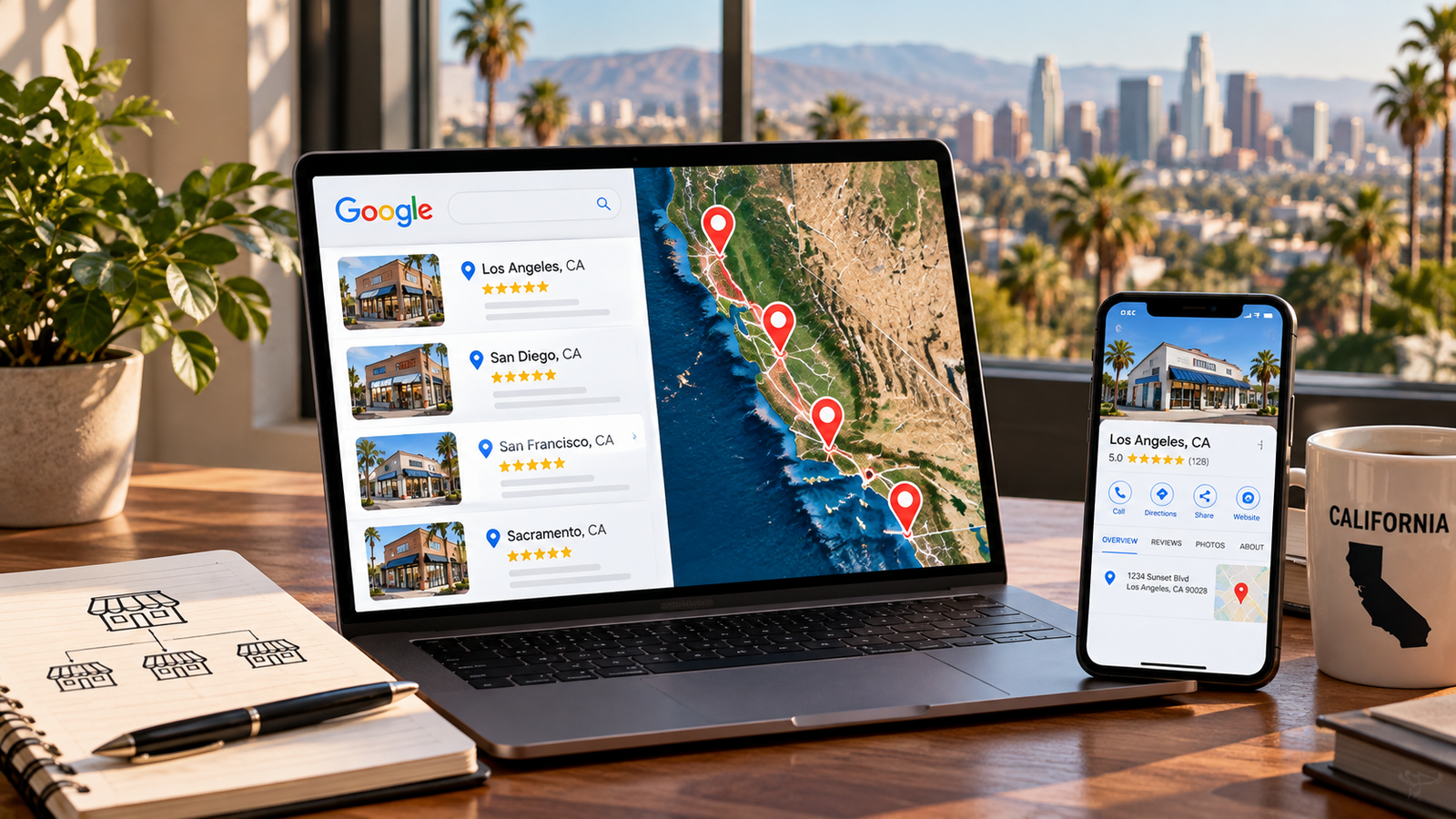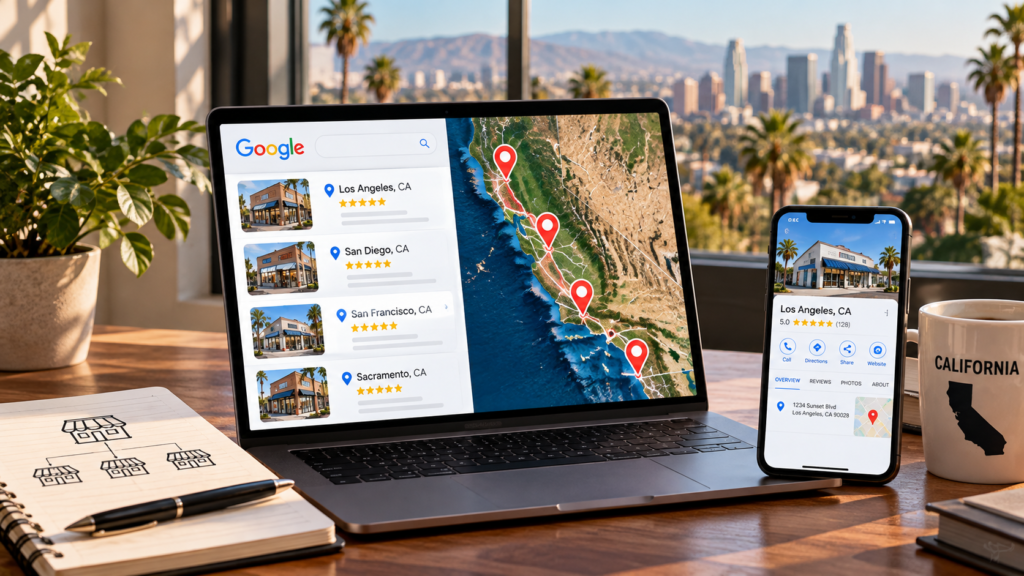

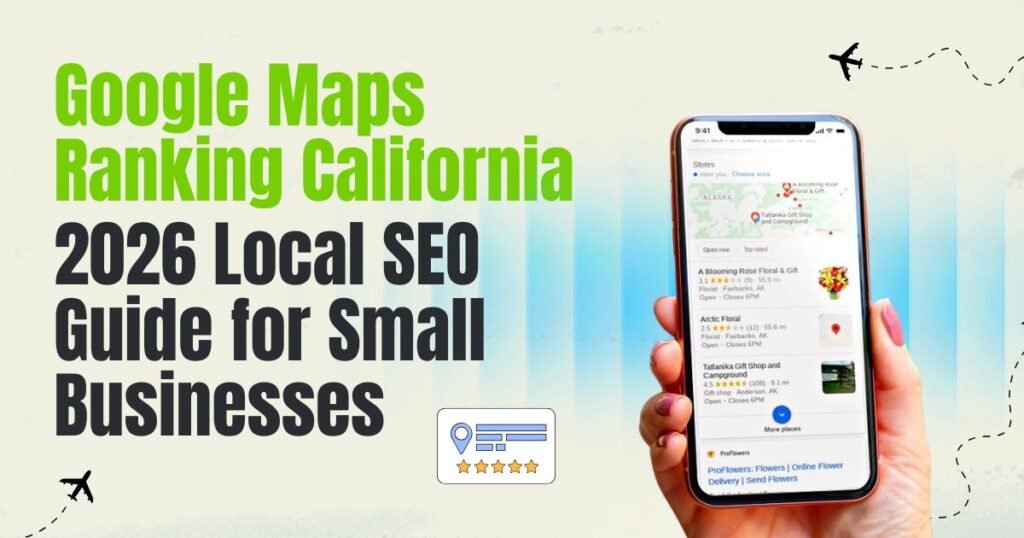
When someone searches for a dentist in Sacramento, a plumber in San Diego or a personal injury attorney in Los Angeles, Google Maps can help them compare nearby businesses before visiting a website.
Customers can check business hours, read reviews, view photos, request directions and make phone calls directly from a Google Business Profile.
For California small businesses, this makes Google Maps an important customer acquisition channel. However, simply creating a listing does not guarantee visibility for competitive local searches.
Your Google Maps ranking depends on how well your business matches the search, its distance from the searcher, and how well-known it is. Your Google Business Profile, website, customer reviews and broader online presence all contribute to how people discover and evaluate your business.
This guide explains how Google Maps rankings work in 2026 and outlines practical local SEO improvements for businesses competing across California.
Why Google Maps Rankings Matter for California Small Businesses
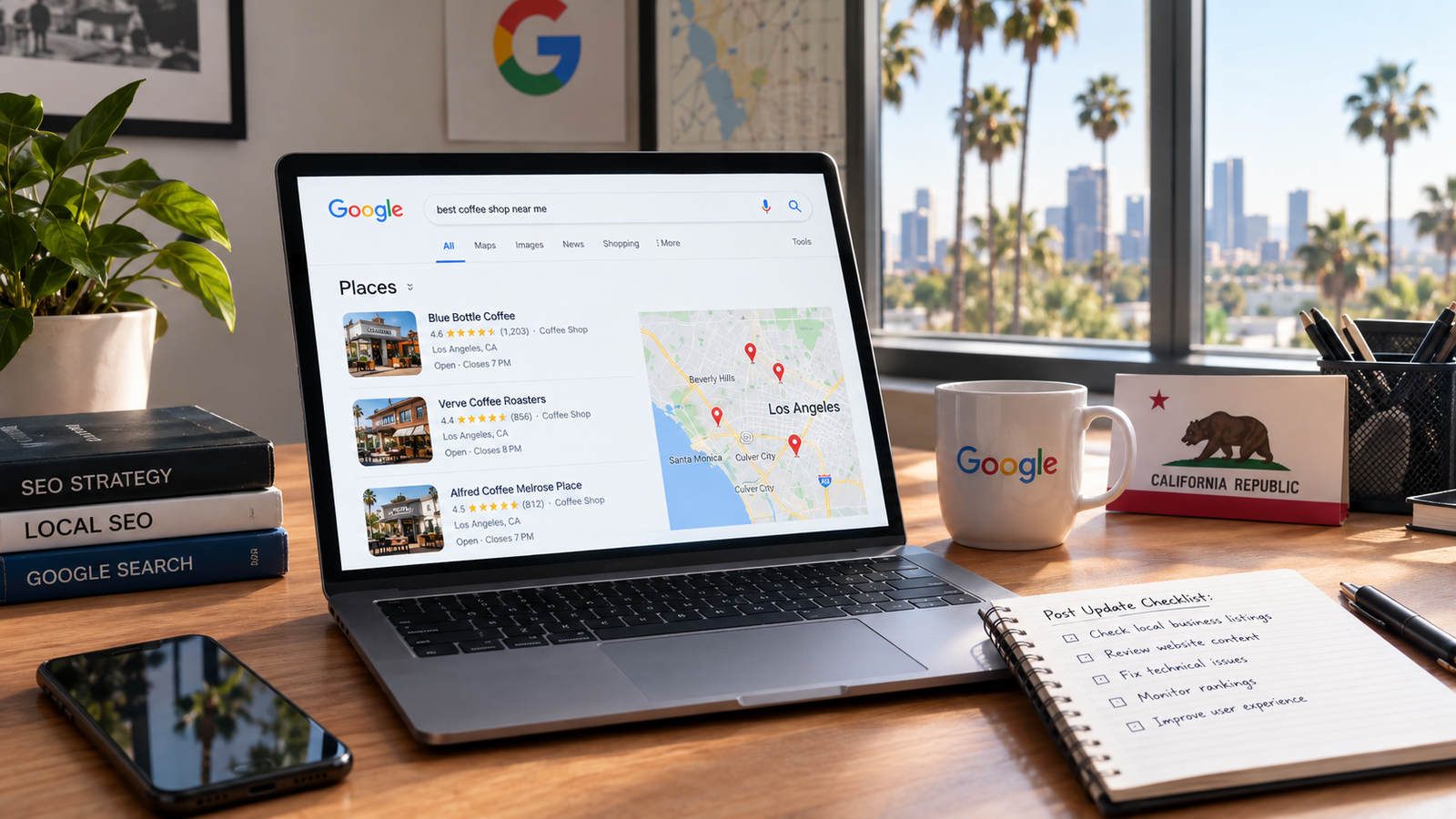
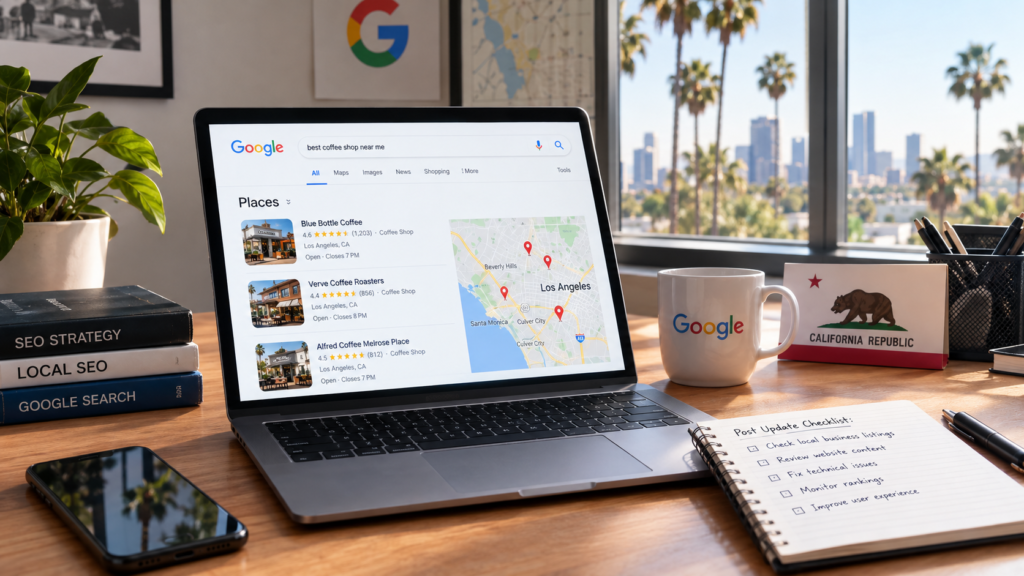
Google displays local business information in both Google Maps and Google Search. For many searches with local intent, Google Search also displays a group of nearby businesses commonly called the Local Pack or Map Pack.
These results can connect customers with businesses that serve their location and offer the service they need.
For example, someone searching for emergency plumbing in Sacramento might compare nearby plumbers using opening hours, customer reviews, and phone numbers. A person looking for a dental clinic in Irvine might examine photos, services, and appointment options before choosing which business to contact.
A strong local presence therefore supports more than website traffic. It can generate calls, direction requests, bookings and other customer interactions.
However, visibility varies by search term and location. A business that appears prominently for a search near its premises might not appear in the same position for someone searching several miles away.
That is why effective California SEO needs to consider both the business’s actual location and the areas where it wants to attract customers.
The 3 Core Google Maps Ranking Factors
Google identifies three main factors that influence local results: relevance, distance and prominence. Understanding these factors provides a useful foundation for a Google Maps optimization strategy.
1. Relevance: How well your business matches the search
Relevance measures how closely your business information matches what someone is looking for.
A customer searching for a pediatric dentist expects results that offer pediatric dental care. A general dental practice might offer that service, but its profile needs to represent its actual services accurately.
Your Google Business Profile category, description, services, and other business information help Google understand what your business offers.
Your website can support this information through relevant service pages, clear headings and detailed explanations.
Choose categories and descriptions that accurately represent your business rather than trying to include every possible keyword.
2. Distance: How close your business is to the searcher
Distance refers to how far a business is from the searcher’s location or the location specified in the search.
A plumber based in Chula Vista may appear differently for searches made in downtown San Diego, La Mesa, and Carlsbad.
You cannot overcome physical distance simply by adding more city names to your Google Business Profile.
Service-area settings help customers understand where you provide services, but they do not move your business’s physical location or guarantee rankings throughout the selected area.
For businesses serving customers at their locations, accurate address information is essential. Businesses that travel to customers should configure their service areas according to Google’s eligibility guidelines.
3. Prominence: How established your business is
Prominence refers to how well-known a business is.
Google considers information about businesses from across the web, including links and reviews. Review quantity and positive ratings can contribute to local rankings, but Google does not disclose the exact weight of every signal.
An established local business may have a recognizable brand, customer reviews, mentions on relevant websites, and a consistent online presence.
Businesses can develop their prominence through genuine customer relationships, useful website content, and legitimate community or industry recognition.
Google Business Profile Optimization: Where to Start
Your Google Business Profile is the business listing you manage across Google Search and Maps.
For California businesses, claiming and maintaining the profile is an essential part of local SEO.
Google recommends verifying your business and keeping its information complete and accurate to support local visibility.
Claim and verify your profile.
Start by searching for your business on Google Maps.
If a listing already exists, follow Google’s process to claim or request access to it. If your business does not have a listing and is eligible, create one through Google Business Profile.
Google determines which verification methods are available. Depending on the business, these may involve video, phone, email or other verification steps.
Verification confirms that you are authorized to manage the listing. It does not guarantee a particular ranking.
Choose the correct primary category
Your primary category should describe your main business as specifically and accurately as possible.
For example, a practice specializing in pediatric dentistry may use a pediatric dentist category if that accurately represents its business.
Additional categories can describe other services when appropriate.
Avoid selecting unrelated categories simply because they appear to attract more searches.
Google’s Business Profile guidelines recommend using categories that represent the business rather than treating them as a list of target keywords.
Complete your business information.
Review the important fields in your profile, including business name, address or service area, phone number, website, hours and services.
Your business name must match the name you use in the real world. Do not add city names or promotional keywords unless they are genuinely part of your business name.
For example, a business called Pacific Plumbing should not change its profile name to “Pacific Plumbing Best Emergency Plumber Los Angeles” purely for search visibility.
Also review holiday hours and temporary changes. Customers need accurate information when deciding whether to call or visit.
Add authentic photos and videos
Photos help potential customers understand your business before contacting you.
A contractor can show completed projects, a restaurant can display its dining area and a dental practice can share appropriate photos of its premises and team.
Choose clear, recent images that accurately represent your business. Google recommends well-lit images without significant alterations or excessive filters.
There is no universal requirement to upload a particular number of photos every month. Prioritize useful images that help customers make informed decisions.
Similarly, adding GPS metadata to an image is not a documented method of improving Google Maps rankings.
Use Google Business Profile posts appropriately
Google Business Profile posts can help communicate relevant updates, events, offers and business news.
For example, a San Diego HVAC company might publish a seasonal maintenance update, while a local retailer might announce extended holiday hours.
Posts can make your profile more useful to customers. However, posting every week is not a guaranteed ranking advantage.
Use posts when you have something relevant to communicate rather than publishing repetitive content solely to create activity.
Google Reviews: Building Trust and Supporting Local Visibility
Reviews are important because they help customers evaluate businesses and can contribute to Google’s assessment of local prominence.
Google confirms that review quantity and positive ratings can help local rankings. However, more reviews do not automatically mean a business will outrank every competitor.
Ask customers for genuine feedback
Build a simple process for requesting reviews after customers have used your services.
For example, a home renovation company could send a follow-up message after project completion with its Google review link.
A dental practice might share a review link in an appropriate post-appointment follow-up.
Ask customers to describe their actual experience in their own words.
Do not offer discounts, gifts or other incentives in exchange for reviews. Do not selectively request positive reviews or discourage customers from leaving negative feedback. Google’s
prohibits incentivized reviews and requires reviews to reflect genuine experiences.
Respond to positive and negative reviews
Review responses give businesses an opportunity to demonstrate customer service.
Thank customers for their feedback and address concerns professionally.
For negative reviews, avoid defensive responses or disclosing confidential customer information. Acknowledge the concern and provide a suitable way to continue the conversation privately when necessary.
Reviews and responses should be authentic. Avoid inserting unnecessary keywords or publishing identical responses to every customer.
Focus on review quality, not artificial targets
A consistent review request process can help a business collect genuine feedback over time.
However, there is no verified formula that guarantees higher rankings based on a specific number of reviews per month, review keywords or response frequency.
Compare your review profile with relevant local competitors, but focus on customer experience and compliance rather than manipulating review content.
NAP Consistency and Local Citations
NAP stands for Name, Address, and Phone number.
A local citation is a mention of your business information on another website or platform, such as a business directory, industry association, or local chamber of commerce.
Accurate listings help customers find and contact your business. They can also reduce confusion when business information appears across multiple sources.
For a California business that has relocated, rebranded, or changed phone numbers, reviewing existing directory listings is particularly useful.
Where should California businesses create citations?
Start with platforms that are genuinely relevant to your business, such as Yelp, Apple Maps, Bing Places, local business directories and industry-specific websites.
For example, an attorney might maintain accurate professional directory profiles, while a healthcare practice might review its listings on appropriate medical directories.
Local chamber of commerce listings and legitimate industry associations can also be relevant.
Avoid submitting your business to hundreds of unrelated directories simply to increase citation numbers. There is no reliable threshold at which a certain number of citations guarantees better rankings.
How to fix inconsistent business information
Compare your business name, address, phone number, website and opening hours across your main listings.
Correct outdated addresses, disconnected phone numbers and duplicate listings where you have the authority to do so.
Small formatting variations are generally less important than ensuring customers can identify and contact the correct business.
If you move to a new premises, update your Google Business Profile and follow any verification requirements associated with the address change.
Your Website’s Role in Google Maps SEO
A Google Business Profile and its linked website should provide consistent, useful information about the business.
Your website gives customers more room to explore services, pricing factors, qualifications, project examples and contact options.
It also supports your broader organic search strategy.
Optimize your main service pages
Create dedicated pages for your primary services when they address distinct customer needs.
A home improvement company might have separate pages for bathroom renovation, kitchen remodeling and home extensions.
Each page should explain what the service includes, who it is for and how customers can request an estimate.
Use descriptive titles, logical headings, relevant images and clear calls to action.
If the website has technical problems, an SEO audit can identify issues affecting crawlability, indexing, page structure, and internal links.
Create location pages that provide unique value
Businesses serving multiple California cities may benefit from dedicated location pages when each page offers useful information for that market.
A contractor serving San Diego and Chula Vista could explain its actual service coverage, show relevant projects, and provide location-specific information.
However, creating dozens of nearly identical pages that simply replace one city name with another is not a useful local SEO strategy.
Each location page should serve a genuine customer need and accurately reflect where the business operates.
Avoid creating pages that imply you have a physical office in a city when you do not.
Improve mobile usability and technical performance
Many customers use mobile devices to explore business listings, websites and contact information.
Your website should therefore make it easy to read service information, call your business, request directions and submit enquiries.
Check whether important pages load properly, whether navigation works on smaller screens and whether contact forms function correctly.
Technical improvements can support both the user experience and organic search performance, although a faster website does not guarantee a higher Google Maps position.
For businesses with indexing or website structure problems, technical SEO services can help address the underlying issues.
Add appropriate LocalBusiness structured data
LocalBusiness structured data can help Google understand information about your business, such as its location, opening hours, and contact details.
Use structured data that accurately reflects the visible information on your website and the business’s real-world details.
Google’s LocalBusiness structured data documentation explains the supported properties and implementation guidelines.
Structured data can help describe your business to search engines, but adding it does not guarantee a particular Maps ranking or rich result.
Google Maps SEO for Different California Markets
Local competition varies between industries, neighborhoods and search locations. A business targeting emergency plumbing in Los Angeles may face a different competitive environment from a business offering the same service in a smaller California city.
Rather than assuming that one city is always easier to rank in, evaluate the businesses appearing for your actual target searches.
Los Angeles
Los Angeles businesses often need to account for neighborhood-level search intent.
A business serving customers in Hollywood, Westwood, and Downtown Los Angeles should make its actual service coverage clear on its website.
For a law firm, this might involve detailed practice-area pages, accurate office information and useful content about the services it provides.
Do not create additional Google Business Profiles for neighborhoods where the business does not have eligible locations.
San Francisco and the Bay Area
Businesses serving San Francisco and surrounding Bay Area communities should review their visibility across relevant search locations.
A business based in Oakland may not have the same Maps visibility for someone searching in San Francisco or San Mateo.
Focus on accurate location information, useful service descriptions, relevant customer reviews, and website content that reflects the areas you genuinely serve.
San Diego
San Diego businesses can develop local content around their services and actual service areas.
For example, a home improvement company might publish detailed pages for bathroom remodeling, kitchen renovation, and other services.
If the business also serves nearby cities, location-specific pages may be appropriate when they provide genuinely distinct information.
Sacramento
A Sacramento professional services business can use its Google Business Profile and website to explain its services, qualifications, appointment process, and contact details.
For businesses serving surrounding communities, relevant service-area information and useful location content can help customers understand where services are available.
Orange County and the Inland Empire
Businesses serving several communities across Orange County or the Inland Empire should avoid treating the entire region as a single search location.
A customer in Irvine may receive different Maps results from someone searching in Anaheim or Riverside.
Identify the actual cities you serve, review relevant competitors and develop location-specific content where it adds value for customers.
For a broader location strategy, read our California Local SEO City Guide.
Google Maps and AI Search in 2026: What California Businesses Should Know
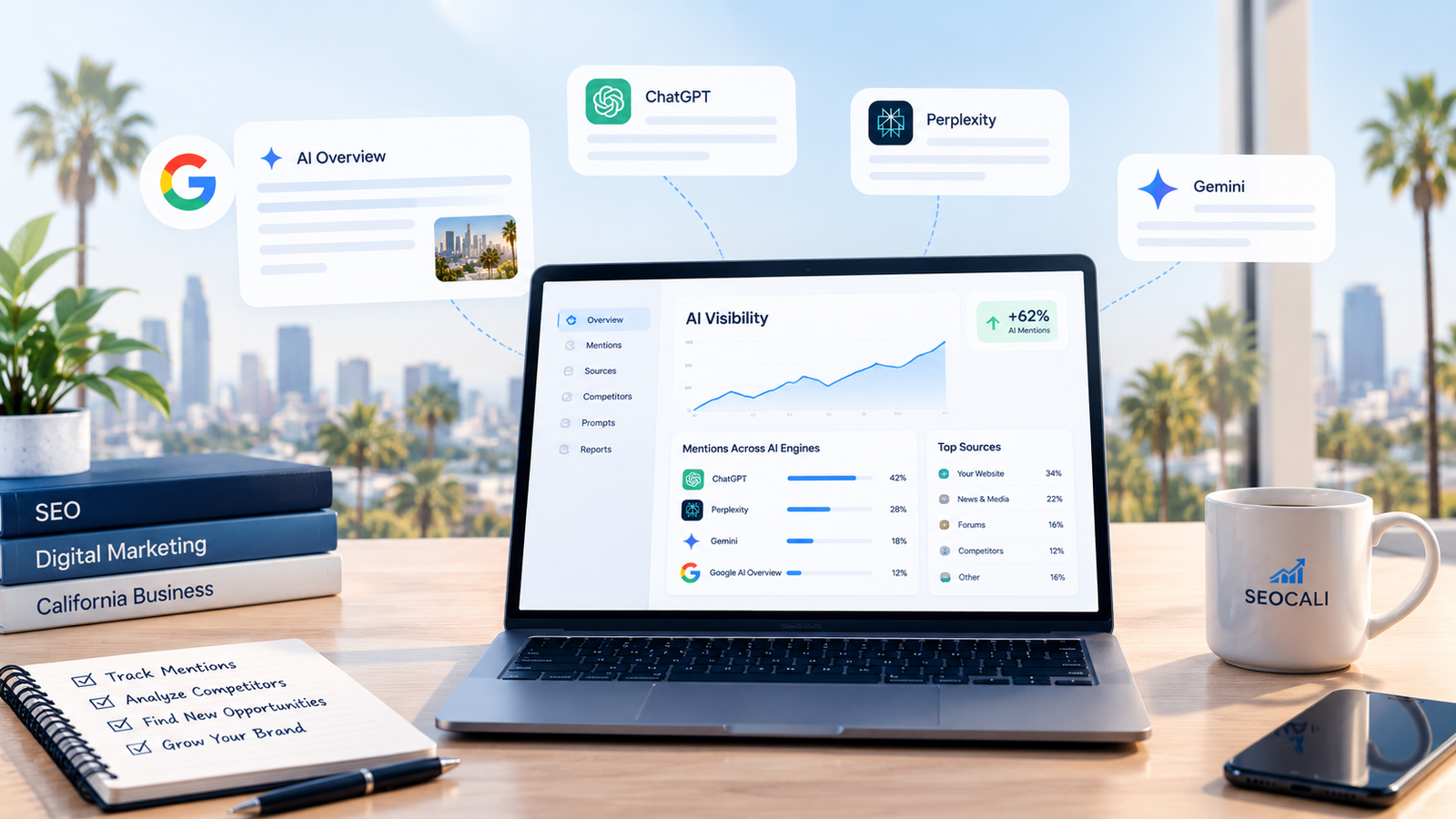
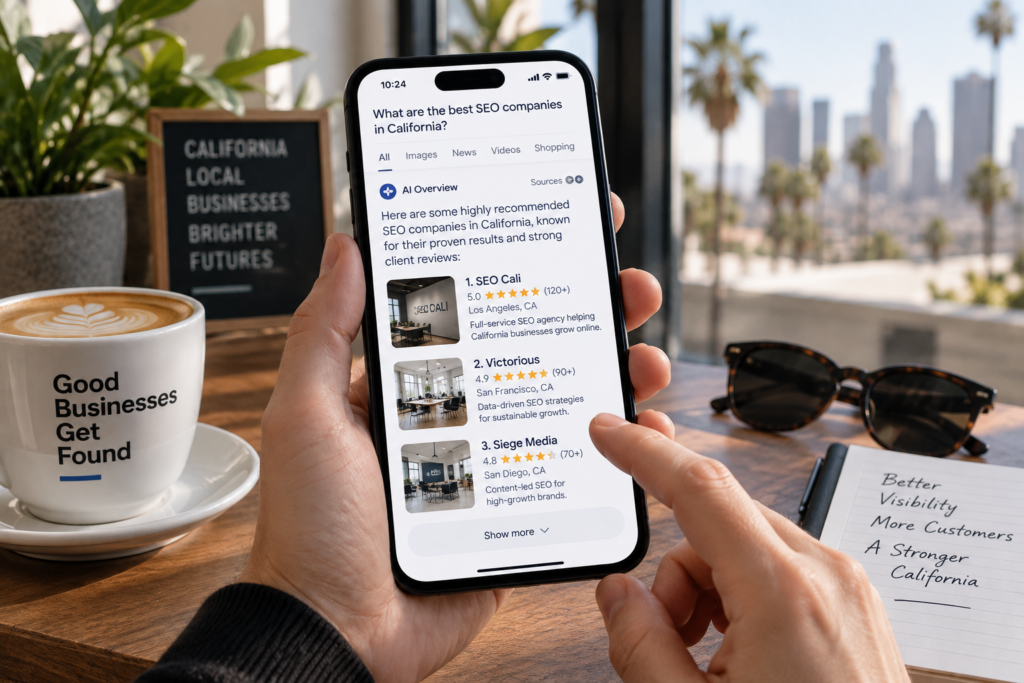
AI-powered search is changing how customers discover and compare local businesses.
In March 2026, Google introduced Ask Maps, a conversational experience powered by Gemini that helps users ask more detailed questions about places and receive relevant recommendations. Google expanded its capabilities and availability in August 2026.
For example, a customer might look for a restaurant that meets particular dietary preferences or a business that offers a specific combination of services.
This makes accurate business information and useful customer-facing content important.
However, businesses should not assume that traditional Google Maps ranking factors translate directly into AI recommendations. Google has not published a formula that guarantees inclusion in Ask Maps or other AI-generated answers.
Other AI search platforms may use different information sources and retrieval systems. Their local recommendations should not be treated as identical to Google Maps results.
For California businesses, the practical approach is to maintain accurate business information, publish genuinely useful website content and monitor how customers discover their services across different search experiences.
Google Maps Optimization Roadmap for California Small Businesses
If your business has not previously invested in local SEO, the following roadmap provides a practical order for improving your Google Maps presence.
| Stage | Action | What to check |
|---|---|---|
| 1 | Claim and verify your profile | Business ownership and eligibility |
| 2 | Complete your GBP | Categories, services, hours and contact information |
| 3 | Review your local listings | Accurate business details and outdated citations |
| 4 | Establish a review process | Genuine feedback and professional responses |
| 5 | Improve your website | Service pages, local content and mobile usability |
| 6 | Develop local visibility | Relevant community mentions and legitimate links |
| 7 | Measure performance | Calls, website clicks, enquiries and conversions |
Step 1: Audit your existing Google Maps visibility
Search for your business name and several relevant service keywords.
Check whether your business appears, whether its information is accurate and how visibility changes across locations.
For more consistent comparisons, use a local rank-tracking tool or record searches from defined geographic points.
Do not judge performance solely by searching for your business from your own phone. Google Maps results can vary depending on location and search context.
Step 2: Fix the most important profile issues
Review your primary category, address or service area, business hours, website URL and contact details.
Resolve incorrect information and verify your profile if necessary.
Avoid making multiple unnecessary changes to important business details at once.
Step 3: Improve your core website pages
Make sure your main services have useful landing pages.
Address missing information, weak internal links and technical issues that prevent customers or search engines from accessing important content.
Prioritize the services that matter most to your business rather than creating a large number of low-value location pages.
Step 4: Develop your review and local visibility strategy
Create a compliant process for requesting honest reviews from customers.
Keep your business details accurate on relevant directories and pursue legitimate local visibility opportunities.
A local chamber of commerce membership, relevant industry association or genuine community partnership may provide useful exposure and a relevant website mention.
Avoid purchasing backlinks or participating in schemes designed to manipulate rankings.
Step 5: Measure customer acquisition
Google Maps ranking improvements are useful only when they support your business goals.
Review your Google Business Profile performance, website analytics and customer enquiry data to understand which searches and interactions are generating business.
Track trends over time rather than relying on a single ranking screenshot.
How to Track Google Maps Ranking and Local SEO Performance
Google Business Profile performance data can help businesses understand how customers discover and interact with their listings.
Google provides performance reporting for eligible profiles, including available interaction and search metrics.
For a complete local SEO report, consider the following measurements.
| Metric | Why it matters |
|---|---|
| Google Maps rankings | Shows visibility for selected keywords and search locations |
| GBP website clicks | Indicates visits generated through profile interactions |
| Calls and other available interactions | Helps measure direct customer interest |
| Organic landing page traffic | Shows website performance in search |
| Qualified leads | Measures meaningful customer enquiries |
| Bookings or sales | Connects visibility with business outcomes |
Use a consistent reporting period and geographic tracking method when comparing results.
For example, if you track “emergency plumber Sacramento,” compare rankings from the same search locations over time.
A ranking improvement near your office does not necessarily mean your visibility improved across the entire city.
Also ensure that website forms, phone enquiries, and bookings are measured consistently so that duplicate interactions do not inflate your reported results.
Frequently Asked Questions
How long does it take to improve Google Maps rankings in California?
There is no guaranteed ranking timeline.
Some profile corrections may become visible relatively quickly, while broader improvements to local visibility can require sustained work.
Your starting position, business category, location, competition and existing online presence all influence the outcome.
Measure progress over consistent reporting periods and prioritize improvements that address identifiable problems.
Why is my business not showing up on Google Maps?
Possible reasons include an unverified profile, incorrect information, eligibility issues, a suspended listing, or limited relevance to the search.
Distance and competition can also affect visibility.
First, search for your exact business name. Then check your Business Profile status, category, location information, and whether your listing is visible to customers.
If your business appears for its name but not for competitive service searches, review relevance, distance and prominence rather than assuming the listing has an indexing problem.
Do more Google reviews guarantee higher Maps rankings?
No. Google confirms that review quantity and positive ratings can contribute to local ranking, but reviews are only part of the overall ranking system.
A nearby business with fewer reviews may appear above another business because of its relevance to the search, location and other factors.
Focus on genuine customer feedback and the overall quality of your business information.
Can I rank on Google Maps in a California city where I don’t have an office?
It is possible for eligible service-area businesses to appear for searches outside their immediate location, but visibility is not guaranteed.
Adding a city to your service area does not establish a physical presence there or eliminate Google’s distance considerations.
Do not create a virtual office or use an address where your business does not genuinely operate to obtain an additional listing. Google’s guidelines restrict virtual offices and require eligible locations to meet its business representation requirements.
Does posting on Google Business Profile improve rankings?
Posts can help customers learn about your services, offers and business updates.
However, Google does not publish a guaranteed ranking benefit for posting at a particular frequency.
Publish relevant updates when they provide value, and prioritize accurate business information and customer experience.
What is the difference between Google Maps SEO and traditional SEO?
Google Maps SEO focuses on local business visibility in Google Maps and local search results.
Traditional SEO is broader and includes organic visibility for service pages, articles, product pages and other website content.
The two overlap through website relevance, business information and broader online prominence, but a strong organic ranking does not guarantee a top-three Maps position.
Conclusion: Improving Your Google Maps Ranking in California
Improving Google Maps visibility starts with accurate business information and a clear understanding of the customers you want to reach.
An optimized Google Business Profile helps Google understand your business, while genuine reviews, relevant website content and consistent business information support your wider local presence.
For California small businesses, the most useful strategy is one that reflects actual service locations, customer needs and local competition.
Review your profile regularly, keep your website useful, and measure performance through enquiries and customer acquisition rather than rankings alone.
If your business needs help identifying local SEO issues, contact SEOCALI to discuss your Google Maps visibility and local search strategy.